Mastering Texture: A Practical Guide to Using Dirty Brush Sets and Grungy Brush Strokes in Modern Design
Design trends cycle rapidly, but texture remains a constant necessity. In an era dominated by sleek, flat digital interfaces, there is a growing appetite for work that feels tactile, human, and imperfect. This is where a high-quality Dirty Brush Set becomes an essential tool in your creative arsenal. Whether you are a seasoned graphic designer or a small business owner managing your own marketing materials, understanding how to leverage grungy brush strokes can elevate your visual communication from generic to memorable.
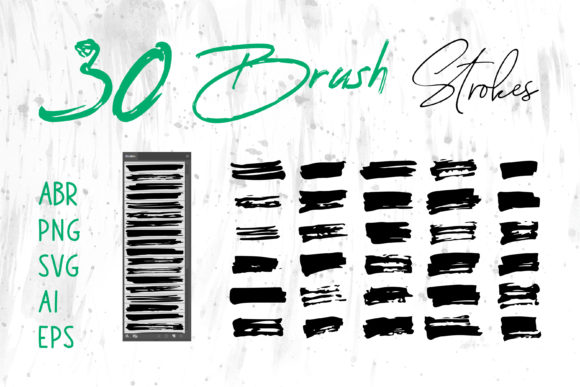
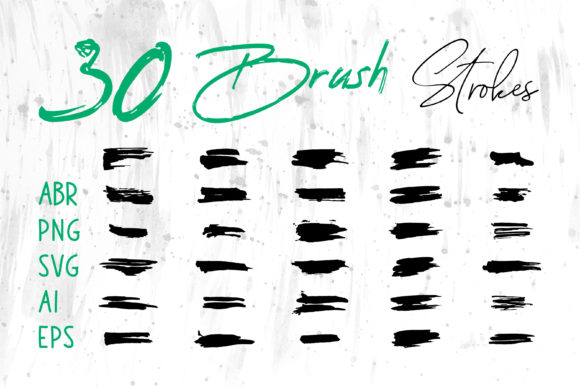
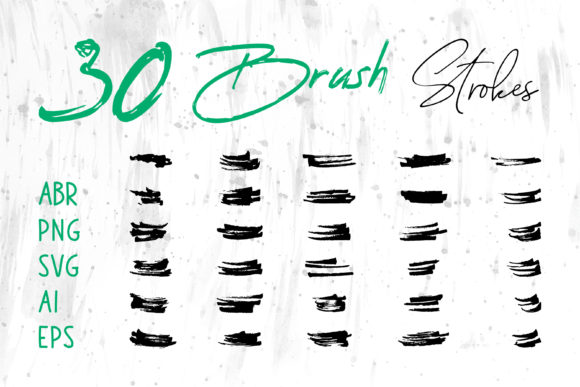
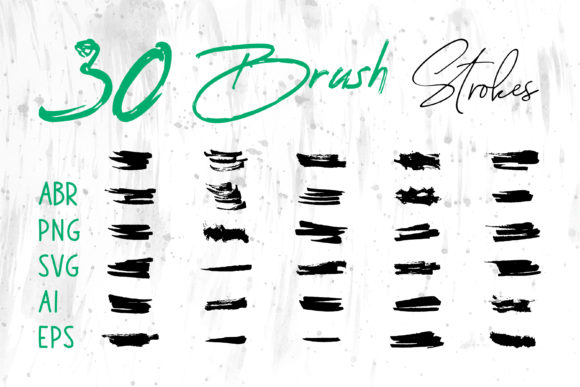
The appeal of grunge aesthetics lies in their authenticity. They mimic the unpredictability of real-world media—ink splatters, dry paint marks, charcoal smudges, and worn edges. When you integrate these elements into your workflow, you add depth and character that sterile vector shapes often lack. However, the true value of a comprehensive brush pack isn't just in the aesthetic; it is in the versatility provided by multiple file formats. Having access to ABR, PNG, SVG, AI, and EPS files means you are not locked into a single software ecosystem. You can move seamlessly between Adobe Photoshop, Illustrator, Procreate, and even everyday office tools like MS Word and PowerPoint.
Why Format Flexibility Matters for Creators
Many designers make the mistake of purchasing brushes that only work in one application. This limits your ability to repurpose assets across different projects. A robust Dirty Brush Set should provide you with options. For instance, ABR files are native to Adobe Photoshop and Procreate, allowing for dynamic pressure sensitivity and natural blending. This is ideal for digital painting, photo manipulation, and creating custom textures from scratch.
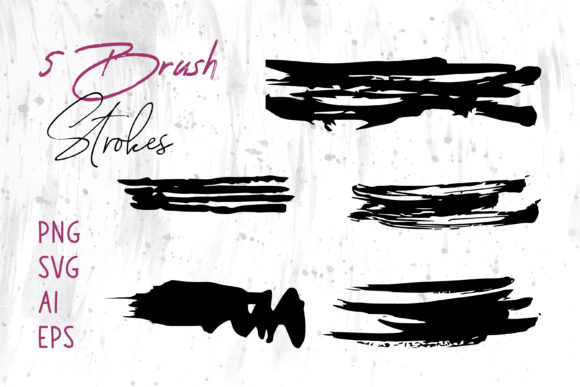
On the other hand, vector formats like SVG, AI, and EPS are crucial for scalability. If you are designing a logo or a large-format banner, you need graphics that remain crisp at any size. Vector brush strokes allow you to resize your grunge elements without losing quality, ensuring your print materials look professional whether they are business cards or billboard ads. Meanwhile, PNG files with transparent backgrounds offer the quickest workflow for non-designers. You can drag and drop these directly into Canva, MS PowerPoint, or MS Word to instantly add a polished, artistic touch to presentations and documents without needing advanced software skills.
Real-World Applications Across Industries
The utility of grungy brush strokes extends far beyond fine art. Here is how different professionals can apply these assets to solve real design challenges.
Branding and Logo Design
For brands aiming to project an image of ruggedness, authenticity, or rebellion, clean lines often feel too corporate. A coffee shop, a craft brewery, or an outdoor gear company might use a dirty brush stroke to frame their logo or underline their tagline. The imperfection suggests handcrafted quality. By using the AI or EPS versions of these strokes, you ensure that the logo remains sharp on packaging, signage, and digital platforms.
Digital Marketing and Social Media
Social media feeds are crowded. To stop the scroll, your graphics need visual weight. A plain photo with text overlay can easily get lost. Adding a subtle grunge texture or a bold brush stroke behind your headline creates contrast and draws the eye. This is particularly effective for Instagram stories, Pinterest pins, and YouTube thumbnails. Since social media platforms compress images, using high-resolution PNG overlays ensures your texture looks intentional rather than pixelated.
Packaging and Product Design
Physical products benefit immensely from tactile visuals. If you are designing labels for artisanal soaps, hot sauces, or clothing tags, incorporating Dirty Brush Set elements can convey a sense of organic origin. The rough edges of a brush stroke can mimic the look of screen printing or stamping, adding perceived value to the product. Designers can use these strokes to create unique borders, background patterns, or accent marks that differentiate their product on a crowded shelf.
Editorial and Publishing
Book covers, magazine layouts, and zines often rely on typography and texture to set the mood. A thriller novel might use jagged, ink-splatter brushes to evoke tension, while a poetry collection might use soft, charcoal-like strokes for a melancholic feel. Using ABR brushes in Photoshop allows editors to blend these textures with photography, creating complex, layered compositions that tell a story before the reader opens the book.
Enhancing Everyday Documents and Presentations
You do not need to be a professional designer to benefit from these resources. Educators, consultants, and corporate trainers often struggle to make their slide decks and handouts engaging. Standard PowerPoint templates can feel stale. By importing PNG brush strokes into MS PowerPoint or MS Word, you can break up text blocks, highlight key points, or create visually interesting headers. This small addition signals effort and creativity, helping to keep your audience engaged during presentations or workshops.
Considerations Before You Start
While grungy brush strokes are powerful, they require thoughtful application. Overusing texture can clutter your design and reduce readability. Here are a few practical tips to keep in mind:
- Contrast is Key: Ensure there is sufficient contrast between your brush strokes and the background. A dark grunge mark on a dark background will disappear.
- Less is More: Use brush strokes as accents, not the main event. They should support your content, not overpower it.
- Consistency: Stick to a consistent style of grunge. Mixing hyper-realistic ink splatters with cartoonish crayon strokes can look disjointed unless done with specific intent.
- File Management: Organize your files by format. Keep your vectors (SVG, AI, EPS) separate from your raster images (PNG, ABR) to speed up your workflow when switching between projects.
Expanding Your Creative Toolkit
Investing in a versatile Dirty Brush Set is an investment in efficiency. Instead of searching for individual textures online every time you start a new project, having a curated library of high-quality strokes at your fingertips allows you to experiment freely. You can test different looks in minutes, iterating quickly until you find the perfect balance between clean design and raw texture.
Whether you are crafting a digital scrapbook, designing a t-shirt for your side hustle, or polishing a client proposal, these tools bridge the gap between digital precision and human touch. By understanding the strengths of each file format and applying them contextually, you unlock a new level of creative expression. The goal is not just to make things look "dirty," but to make them feel real, grounded, and compelling in a digital world that often feels too perfect.
Ultimately, the best design solutions are those that serve the message. Grungy brush strokes are not just decorative elements; they are communicative tools. They signal emotion, history, and texture. By integrating them wisely into your workflow across Photoshop, Illustrator, Procreate, and even everyday office apps, you ensure that your visual content resonates more deeply with your audience. Start experimenting with these formats today, and discover how a simple brush stroke can transform your next project.