Mastering the Watercolor Art Brush Set: A Practical Guide for Designers and Creators
Integrating organic textures into digital design can transform a flat composition into something that feels tactile, authentic, and emotionally resonant. This is precisely why a high-quality Watercolor Art Brush Set has become an essential asset for modern creatives. Whether you are designing a minimalist logo, crafting a wedding invitation, or building a social media campaign, the fluid unpredictability of watercolor adds a human touch that rigid vector lines often lack. However, simply downloading a pack of brushes is not enough to guarantee professional results. Many creators stumble not because they lack talent, but because they misunderstand how to leverage these tools across different software ecosystems.
The market is flooded with digital assets, and it is easy to assume that all brush sets function identically. This misconception leads to frustration, wasted time, and inconsistent output. To help you make the most of your purchase, we need to address the common pitfalls associated with selecting and applying watercolor brushes, ensuring you achieve the aesthetic you envision without technical headaches.
The Trap of Single-Format Dependency
One of the most frequent mistakes beginners and even seasoned freelancers make is purchasing brush sets that are limited to a single file type, typically just .ABR for Photoshop or .brushset for Procreate. While these formats are excellent for raster-based painting, they severely limit your workflow if you need to scale your designs for large-format printing or edit individual elements in vector software.
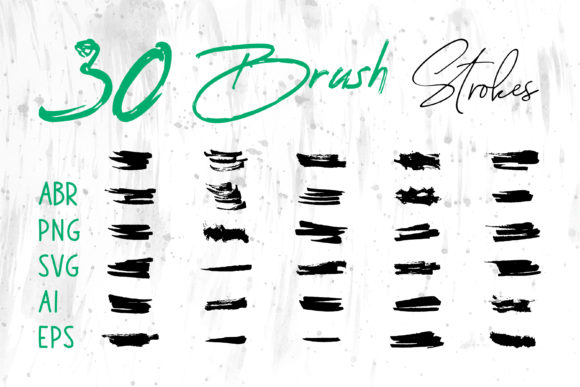
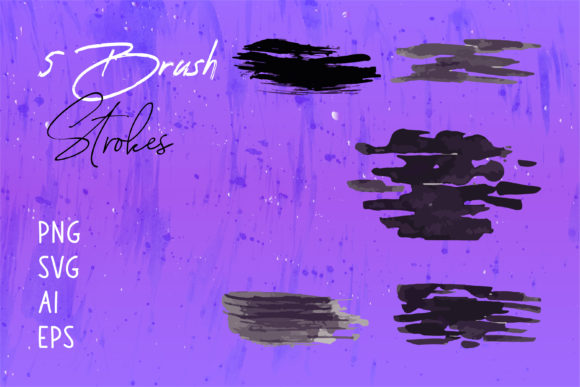
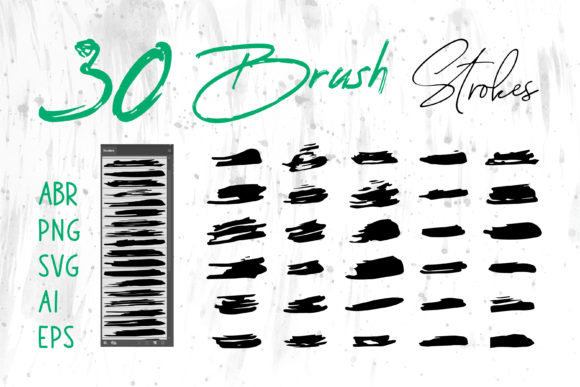
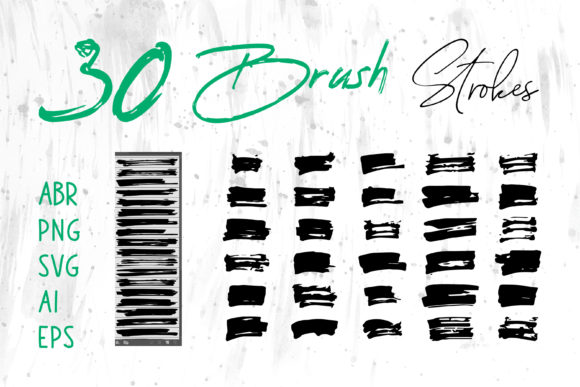
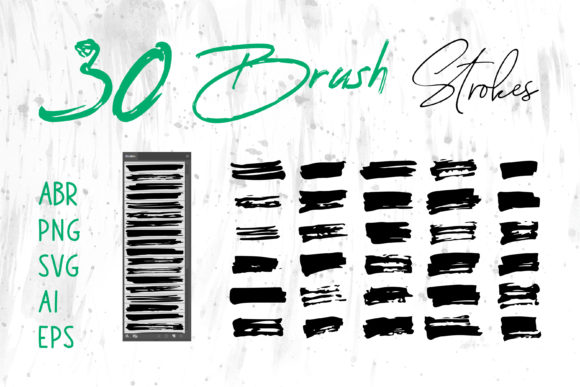
When you rely solely on raster brushes, you are locked into a specific resolution. If you create a small graphic and later decide to use it on a billboard or a large banner, the image will pixelate. This is where versatility becomes critical. A comprehensive Watercolor Art Brush Set should include files in multiple formats such as SVG, AI, EPS, and PNG. These formats allow you to maintain crisp edges at any size. For instance, using the included Brush Strokes.ai or Illustrator files means you can manipulate each stroke as a separate vector object. You can change colors instantly, adjust anchor points, and combine strokes without losing quality.
Practical Advice: Before buying, always check the "Included Files" list. Ensure the package offers both raster brushes for natural blending and vector files for scalability. This dual approach ensures you can use the graphics for diverse projects, from tiny business cards to massive packaging designs.
Overlooking Software Compatibility
Another significant oversight is assuming that a brush set labeled for "Digital Art" will work seamlessly in every application you own. Many creators purchase expensive packs only to realize they cannot import them into their preferred layout or presentation software. This disconnect halts productivity and forces designers to resort to cumbersome workarounds, such as taking screenshots of their art, which degrades quality.
A robust Watercolor Art Brush Set is designed with cross-platform usability in mind. The inclusion of standard image formats like PNG with transparent backgrounds is vital. These files can be dragged and dropped directly into non-design-specific software like MS Word, MS PowerPoint, or Adobe InDesign. This compatibility is a game-changer for entrepreneurs, educators, and marketers who need to create polished presentations, reports, or internal documents without needing advanced design skills for every single slide.
For example, a small business owner might want to add a subtle watercolor wash behind text in a PowerPoint pitch deck. With PNGs from a well-curated set, this takes seconds. Without them, they might resort to clunky clipart that clashes with their brand identity. Similarly, web developers can utilize SVG files to keep website load times low while maintaining sharp visuals on retina displays.
Misunderstanding Layering and Blending Modes
Having the right files is only half the battle; knowing how to apply them is the other. A common error among users is treating watercolor strokes like solid stickers. They place a brush stroke on a canvas and leave it at 100% opacity, resulting in a flat, unnatural look that fails to mimic the translucency of real watercolor paint.
Real watercolor relies on the interaction between pigment, water, and paper. To replicate this digitally, you must experiment with blending modes and opacity levels. When using the ABR Photoshop or ProCreate brushes, try setting the layer mode to "Multiply" or "Overlay." This allows the texture of the underlying paper or background color to show through the brush stroke, creating depth and realism. Additionally, varying the opacity of individual strokes within a composition prevents the design from looking repetitive or mechanical.
Better Approach: Instead of using a single heavy stroke, build up your shapes with multiple lighter passes. This technique mimics the way water pools and dries, creating those coveted hard edges and soft blooms that define the watercolor aesthetic. If you are working with the EPS or AI vector files, use the transparency panel in Illustrator to adjust how strokes interact with one another, ensuring a cohesive and organic final piece.
Neglecting the Scope of Application
Many users pigeonhole watercolor brushes into traditional art categories, such as digital paintings or greeting cards. While these are obvious uses, limiting your creativity here means missing out on powerful branding opportunities. The versatility of a high-quality Watercolor Art Brush Set extends far beyond fine art.
Consider the impact of watercolor textures on packaging design. A cosmetic brand might use soft, floral watercolor strokes to convey gentleness and natural ingredients. A tech startup might use abstract, bold watercolor splashes to represent innovation and fluidity. These brushes are equally effective for T-shirt designs, where the distressed, organic feel of watercolor appeals to current fashion trends. Furthermore, digital scrapbooks and social media banners benefit immensely from the unique character these strokes provide, helping content stand out in a feed saturated with polished, corporate imagery.
By recognizing the broad applicability of these assets, you maximize the return on your investment. You are not just buying brushes; you are acquiring a library of design elements that can elevate book covers, logos, and website headers alike.
What to Check Before You Commit
To ensure you are making a wise decision, evaluate the following aspects before downloading or purchasing a Watercolor Art Brush Set:
- File Variety: Does it include ABR, Photoshop, ProCreate, PNG, SVG, AI, and EPS formats? This ensures compatibility with Adobe Illustrator, Adobe Photoshop, Adobe InDesign, and office software like MS Word and PowerPoint.
- Resolution and Scalability: Are the raster images high-resolution (300 DPI or higher)? Are the vector files clean and editable?
- Commercial License: Can you use the graphics for client work, print-on-demand products, and commercial branding? Always verify the license terms to avoid legal issues later.
- Preview and Demo: Look for detailed previews that show the brushes in action. Check if the strokes look natural or if they appear too uniform and repetitive.
In conclusion, a Watercolor Art Brush Set is more than just a collection of digital tools; it is a bridge between traditional artistic charm and modern digital efficiency. By avoiding the common mistakes of format limitation, software incompatibility, and poor blending techniques, you can unlock the full potential of these assets. Choose a set that offers comprehensive file types like Brush Strokes.ai and Illustrator vectors alongside standard raster brushes. This strategic approach will empower you to create stunning, versatile designs for any project, from personal crafts to professional corporate branding, ensuring your work always stands out with authenticity and style.