Evaluating the Grungy Brush Splatter Brush Collection for Multi-Format Design Workflows
In the realm of digital design, texture plays a pivotal role in establishing mood, depth, and visual interest. The Grungy Brush, Splatter Brush Collection represents a comprehensive resource for designers seeking to integrate organic, distressed, and high-energy elements into their projects. Unlike standard vector shapes or flat colors, these brushes emulate the unpredictable nature of physical media, offering a tactile quality that resonates with modern aesthetic trends. This article evaluates the utility, versatility, and practical applications of this collection, helping designers determine if it aligns with their specific workflow requirements.
Understanding the Asset Composition
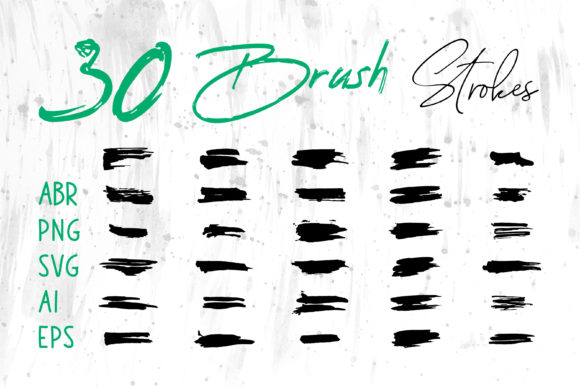
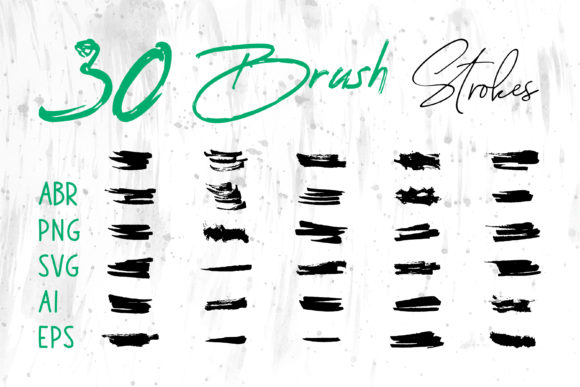
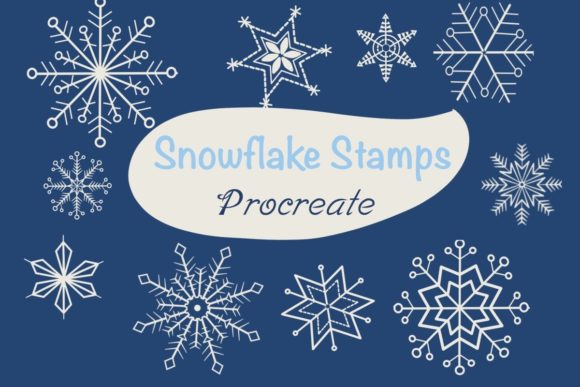
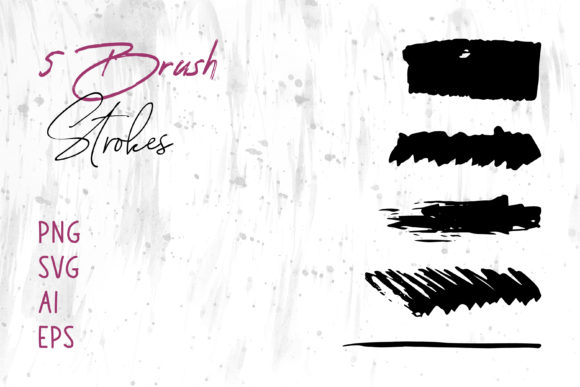
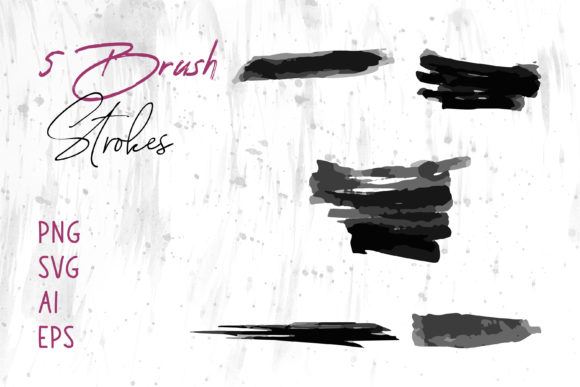
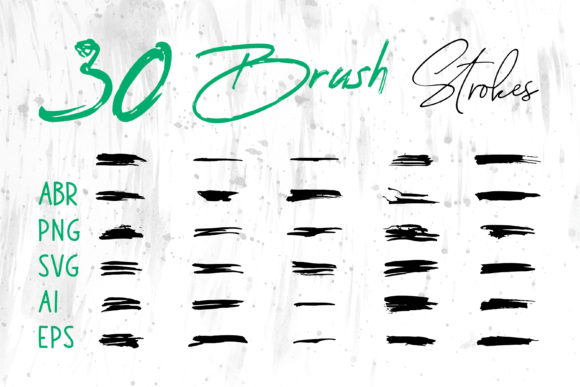
The core value of the Grungy Brush, Splatter Brush Collection lies in its multi-format compatibility. Designers often face friction when moving assets between different software ecosystems. This collection mitigates that issue by providing files in a wide array of industry-standard formats, including ABR (Adobe Photoshop), ProCreate brushes, PNG, SVG, AI (Adobe Illustrator), and EPS. Additionally, the inclusion of Brush Strokes.ai ensures seamless integration within Adobe Illustrator’s native brush engine.
This diversity in file types is not merely a convenience; it is a functional necessity for professional workflows. For instance, raster-based formats like ABR and PNG are ideal for pixel-perfect editing and photo manipulation, while vector formats such as SVG, AI, and EPS allow for infinite scalability without loss of quality. By offering both raster and vector options, the collection accommodates users who may be working on everything from high-resolution print materials to responsive web graphics.
Strategic Benefits and Versatility
One of the primary reasons designers evaluate the Grungy Brush, Splatter Brush Collection is its adaptability across various mediums. The ability to use these graphics in software beyond traditional design suites—such as MS Word and MS PowerPoint—expands their utility for corporate presentations, internal documents, and marketing materials created by non-designers. This cross-platform compatibility ensures that brand consistency can be maintained even when assets are handled by teams with varying levels of technical expertise.
The visual impact of grunge and splatter effects is particularly effective in industries that prioritize boldness and authenticity. When applied to T-Shirt designs, packaging, or book covers, these brushes add a layer of rugged sophistication that flat design often lacks. For digital scrapbooks and craft projects, the organic imperfections of the splatters provide a realistic hand-made feel, enhancing the emotional connection with the audience.
Key Application Areas
- Branding and Identity: Creating distinctive logos that stand out through textured typography or emblematic splashes.
- Digital Marketing: Enhancing social media banners and website headers to capture attention in crowded feeds.
- Print Media: Adding depth to cards, posters, and promotional flyers.
- Product Design: Simulating wear and tear or artistic flair on merchandise mockups.
Tradeoffs and Technical Considerations
While the Grungy Brush, Splatter Brush Collection offers significant advantages, it is essential to consider the technical tradeoffs associated with using textured assets. Raster formats like PNG and ABR are resolution-dependent. If a designer uses a low-resolution PNG for a large-format print, such as a billboard or banner, the image may appear pixelated. Therefore, users must ensure they select the appropriate file format for their output size. For large-scale printing, vector formats like AI, EPS, or SVG are strictly recommended to maintain crisp edges and clarity.
Another consideration is file management. Having multiple formats for each brush stroke can lead to cluttered directories if not organized properly. Designers should establish a clear folder structure, separating raster and vector assets, to streamline the selection process during tight deadlines. Furthermore, while the brushes are compatible with Adobe InDesign, placing complex vector splatters directly into layout software can sometimes increase file size and slow down rendering times. It is often more efficient to link high-resolution PNGs for layout purposes and reserve vector edits for the source files in Illustrator.
When This Collection Is a Strong Fit
The Grungy Brush, Splatter Brush Collection is an optimal choice for projects that require a sense of movement, energy, or raw emotion. It is particularly well-suited for:
- Edgy Brand Identities: Brands in the music, sports, or streetwear sectors often benefit from the chaotic yet controlled nature of splatter effects.
- Event Promotion: Concert posters, festival banners, and party invitations gain visual excitement from dynamic brush strokes.
- Artistic Compositions: Digital artists using ProCreate or Photoshop can layer these brushes to create complex backgrounds or foreground elements that mimic traditional paint techniques.
In these scenarios, the immediacy of the brush strokes allows for rapid prototyping. Instead of manually painting each splatter, designers can drag and drop pre-made vectors or stamp brushes, significantly reducing production time while maintaining a high level of artistic control.
When to Consider Alternatives
Despite its versatility, there are situations where the Grungy Brush, Splatter Brush Collection may not be the best fit. For corporate environments that prioritize minimalism, cleanliness, and strict geometric precision, grunge textures can appear distracting or unprofessional. In such cases, clean sans-serif typography and solid color blocks are more appropriate.
Additionally, if a project requires highly specific, custom-shaped textures that do not exist within the collection, designers may need to create bespoke brushes from scratch. While this collection provides a broad range of strokes, it cannot account for every conceivable artistic nuance. Designers working on hyper-realistic digital paintings might also find that pre-made brushes lack the subtle variability needed for fine art reproduction, necessitating manual creation or more specialized, niche brush sets.
Decision-Making Insights for Designers
To determine whether the Grungy Brush, Splatter Brush Collection aligns with your goals, assess your current software ecosystem and project types. If you frequently switch between Adobe Photoshop, Illustrator, and InDesign, the multi-format support offers tangible efficiency gains. If you work with clients who require editable source files, the inclusion of AI and EPS formats ensures you can deliver professional, scalable assets.
Consider the end-use of your designs. For digital-only applications, PNG and ABR files may suffice. However, if your work extends to physical products like packaging or T-shirts, investing time in learning how to manipulate the vector files will yield superior print results. Ultimately, this collection serves as a robust toolkit for designers who value flexibility and speed without compromising on the organic aesthetic that defines contemporary grunge design.
By understanding the strengths and limitations of these formats, designers can make informed decisions that enhance their creative output. Whether used for a subtle background texture or a bold foreground statement, the Grungy Brush, Splatter Brush Collection provides the necessary tools to elevate visual communication across diverse platforms.