Watercolor Art Brush Collection
The texture of watercolor is distinct. It carries a sense of organic movement, transparency, and imperfection that digital tools often struggle to replicate. For designers, illustrators, and content creators, capturing this authentic feel without the mess of physical paints can be a challenge. This is where a comprehensive Watercolor Art Brush Collection becomes an essential asset in your creative toolkit. It bridges the gap between traditional media aesthetics and modern digital efficiency, allowing you to infuse warmth and humanity into your projects instantly.
Whether you are designing a minimalist logo, crafting a wedding invitation, or building a social media campaign, the right brush strokes can elevate your work from generic to memorable. This collection is not just about adding color; it is about adding character. By integrating these assets into your workflow, you gain access to a library of hand-painted textures that behave like real pigment on paper, offering depth and nuance that flat vectors simply cannot achieve.
Versatility Across Design Software
One of the most significant advantages of this specific collection is its format diversity. Creatives do not all work in the same ecosystem. Some prefer the vector precision of Adobe Illustrator, while others rely on the raster power of Photoshop or the intuitive interface of Procreate on iPad. A rigid toolset limits your potential, but this collection is designed for universal compatibility.
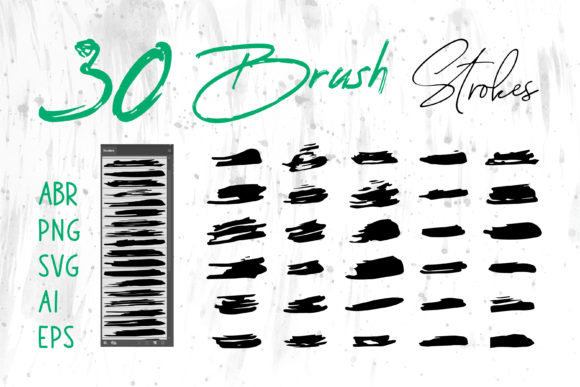
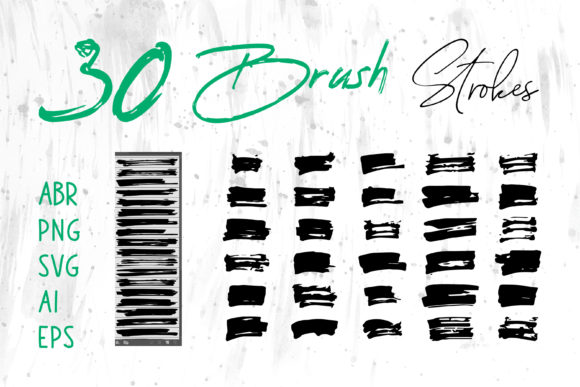
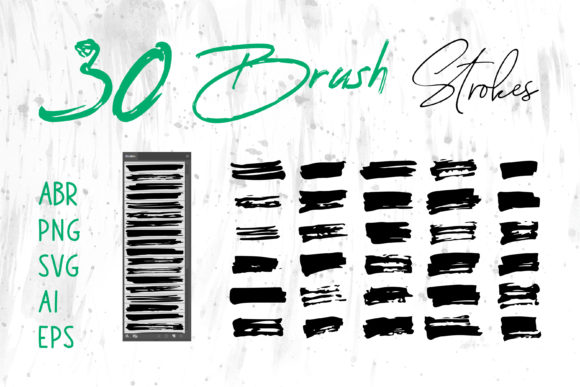
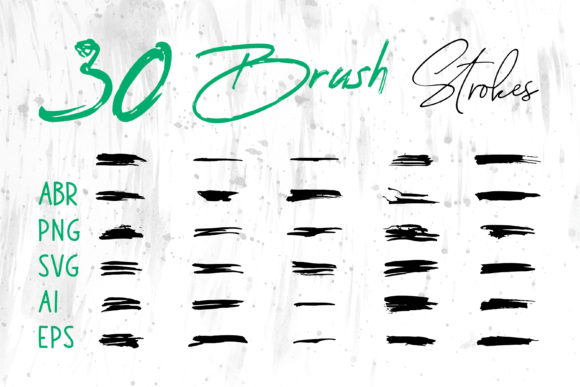
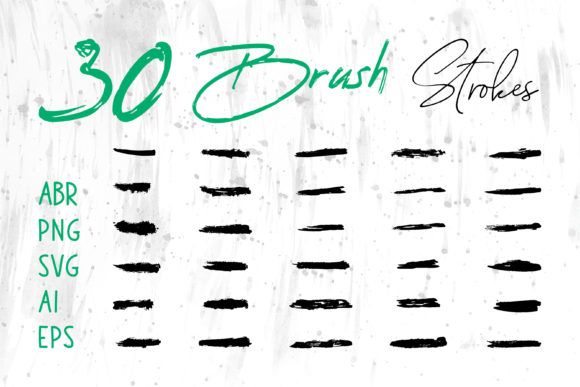
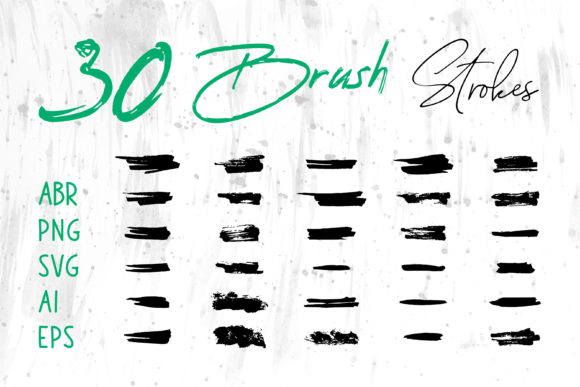
You will receive brush strokes in multiple formats, including ABR for Photoshop, native files for Procreate, and versatile image formats like PNG with transparent backgrounds. For those who need scalable graphics, the inclusion of SVG, AI, and EPS files ensures that your watercolor elements remain crisp at any size. This flexibility means you can use these graphics across a wide spectrum of software, from industry standards like Adobe InDesign to everyday tools like MS Word and MS PowerPoint.
Imagine creating a presentation in PowerPoint. Instead of relying on clipart or standard shapes, you can drag and drop high-resolution PNG watercolor splashes to create unique slide backgrounds or accent headers. Similarly, in MS Word, you can use these elements to design professional-looking letterheads or reports that stand out. The ability to move seamlessly between complex design suites and office productivity tools makes this collection incredibly practical for freelancers and small business owners who wear many hats.
Creative Applications and Project Ideas
The utility of a watercolor brush set extends far beyond simple illustration. Here is how different creators can adapt these assets for specific goals and platforms.
Branding and Identity
For entrepreneurs and marketers, brand identity is everything. Watercolor elements convey approachability, creativity, and elegance. You can use the AI and EPS files to create logos for boutiques, spas, bakeries, or artisanal brands. The soft edges of watercolor strokes contrast beautifully with clean, modern typography, creating a balanced visual hierarchy. When used in packaging design, these textures add a tactile quality that invites customers to pick up the product.
Digital and Print Media
Publishers and bloggers can leverage these brushes to create engaging book covers, magazine layouts, and blog headers. The PNG files are particularly useful here, as they can be layered easily over text or photographs without requiring advanced masking skills. For digital scrapbooks and greeting cards, the variety of strokes allows for endless composition possibilities. You can layer different opacities and colors to create depth, mimicking the traditional technique of glazing.
Social Media and Web Design
In the fast-paced world of social media, stopping the scroll is crucial. Watercolor banners and post backgrounds offer a refreshing break from the sterile, corporate aesthetic often seen online. Use the Procreate or ABR brushes to create custom story highlights, profile frames, or promotional graphics. On websites, subtle watercolor accents can guide the user’s eye toward call-to-action buttons or divide sections organically, improving user experience through visual flow.
Apparel and Merchandise
T-shirt designers and print-on-demand sellers can benefit greatly from the high-resolution nature of these files. Watercolor florals, abstract splashes, and animal silhouettes are perennial bestsellers. By using the transparent PNGs or vector files, you can ensure that the print quality remains sharp on fabric, whether you are printing on demand or managing inventory. The organic nature of watercolor appeals to a broad demographic, making it a safe yet stylish choice for apparel.
Maximizing Quality and Consistency
While having access to great assets is important, knowing how to use them effectively is what separates amateur designs from professional work. To keep your results clear, effective, and consistent, consider the following practical recommendations.
- Mind the Resolution: When using raster formats like PNG or ABR, always check the DPI settings. For print projects like book covers or packaging, ensure your files are at least 300 DPI to avoid pixelation. For web and social media, 72 DPI is standard, but starting with higher resolution gives you flexibility to crop and resize without quality loss.
- Layering for Depth: Real watercolor painting relies on transparency. Do not be afraid to overlap multiple brush strokes. Lower the opacity of upper layers to allow underlying colors to show through. This creates a rich, complex look that mimics natural pigment behavior.
- Color Harmony: While you can recolor vector files easily, raster brushes may require adjustment layers or blending modes. Use tools like "Multiply" or "Overlay" in Photoshop to integrate the watercolor textures with your background colors seamlessly. Stick to a limited color palette to maintain visual cohesion.
- Vector vs. Raster: Choose the right format for the job. Use SVG, AI, and EPS when you need to scale the image significantly, such as for large banners or signage. Use PNG and ABR when you need textured, pixel-based details that retain the gritty, authentic feel of paper grain.
Empowering Your Creative Workflow
The value of this Watercolor Art Brush Collection lies in its ability to save time without sacrificing quality. Hand-painting every element for a client project is time-consuming and often impractical under tight deadlines. With pre-made, high-quality brush strokes, you can focus on composition and concept rather than technical execution. This efficiency is vital for freelancers and agencies managing multiple clients.
Moreover, these tools encourage experimentation. Because the assets are digital, there is no fear of wasting expensive paper or paint. You can try bold color combinations, unusual layouts, and aggressive layering without consequence. This freedom fosters innovation and helps you develop a unique style. Educators can also use these resources to teach students about texture, color theory, and digital composition in a low-risk environment.
Ultimately, this collection is more than a set of files; it is a catalyst for creativity. Whether you are a seasoned graphic designer looking to expand your textural options, a hobbyist starting a digital journal, or a small business owner creating your first marketing materials, these brushes provide the professional polish needed to make an impact. By integrating these versatile, high-quality assets into your workflow, you ensure that every project you touch carries a signature of authenticity and artistic flair.
Embrace the fluidity of watercolor in your digital space. Let these tools handle the texture, so you can focus on the message. The result is design work that feels human, intentional, and beautifully crafted.